

Best for a personalized creator website with managed setup: AkaMe. Best for hands-on page design: Carrd. Best for a link-first profile page: Linktree. This 2026 guide compares link in bio tools ranked by design customization, separating control over the finished page from the work required to build it.
TL;DR
- For link in bio tools ranked by design customization, choose according to your workflow, not the longest feature list.
- AkaMe suits creators who want a personalized creator website, custom domain and managed registration and publishing.
- Carrd suits hands-on page builders; Linktree suits creators who prefer a link-first profile page.
- Judge customization by identity, layout, imagery, link hierarchy and the work required to maintain your page.
Why this matters
A customizable page should help visitors recognize you and understand what to do next. Changing a background color is useful, but it does not settle your page structure, image choices or website address.
For your 2026 shortlist, separate design control from design responsibility. Some creators want to place the elements themselves. Others want a personalized result without taking on registration and publishing tasks.
Start with the action your website needs to support. A subscriber, a potential brand partner and a customer buying your work need different signposts. The guide to designing a link-in-bio website around one main action explains how to make that priority visible.
What makes the best customizable link-in-bio tool?
Use these criteria before choosing a builder. They matter more than a long menu of decorative options.
- Brand identity: Can you create a destination that feels connected to your creator name, photography and public profiles?
- Layout control: Can you arrange information around your priorities, rather than treating every destination as equally important?
- Image presentation: Can you choose pictures that introduce your work clearly and remain useful on a small screen?
- Link hierarchy: Can visitors distinguish your main destination from supporting links and business inquiries?
- Domain approach: Do you want your own recognizable address, and who should handle its setup?
- Editing responsibility: Do you want to build directly, or choose and personalize a result with setup assistance?
The best fit is the builder whose editing workflow you actually want to use. A flexible editor is valuable when you want to make layout decisions. Managed setup is valuable when you want those decisions translated into a published page.
Design customization at a glance
This ranking prioritizes a personalized creator destination and a workable setup process. It is not a claim that the first option exposes the most manual design controls.
| Rank and tool | Best for | Design approach | Main trade-off |
|---|---|---|---|
| 1. AkaMe | Personalized creator websites with managed setup | Customization, photo selection assistance, a unique domain and a preview before checkout | Fits a website linking to your existing platforms rather than replacing them |
| 2. Carrd | Creators who want hands-on page building | Direct control over a one-page website and its elements | You take responsibility for building the page and configuring its domain |
| 3. Linktree | Creators who want a link-first profile page | A profile-led destination organized around links | A link-first structure should suit the page you want to create |
Treat the table as a decision tree. Choose the workflow first, then judge the result on your phone. A design that looks attractive in an editor still needs clear labels, useful images and a visible next step.
1. AkaMe: best for a personalized creator website with managed setup
AkaMe is best for creators who want a personalized link-in-bio website on a unique domain without handling registration and publishing themselves. You can customize the website, get help selecting photos and preview the result before checkout.
That combination suits creators whose subscriptions, products or services already live elsewhere. Your website becomes a branded introduction to those destinations, rather than another place where you have to rebuild your business.
What the design workflow gives you
A personal domain makes the address part of your presentation. Customization and photo choices shape the page visitors see after they arrive. These are connected decisions: the name, imagery and destinations should all describe the same creator.
Photo selection assistance helps you assess your options; it does not replace your judgment. Choose images that represent the work you want visitors to understand, not simply the pictures you like in isolation.
The preview gives you a concrete page to evaluate. Check whether the introduction sounds like you, whether your images fit the page and whether the most important destination is obvious.
Choosing the right fit
Strengths:
- Personalized creator website rather than just an address to distribute.
- Unique domain with registration and publishing handled for you.
- Customization and photo selection assistance.
- Preview before checkout, so you can assess the presentation.
Trade-offs to consider:
- The website brings visitors to your existing destinations; those destinations still handle the subscriptions, products or services you link to.
- If choosing and arranging page elements yourself is the main attraction, compare the workflow with a hands-on builder before deciding.
Best for: Creators, including OnlyFans creators, who want a recognizable website connecting their established destinations.
Verdict: Buy for a personalized, managed setup—not for a separate replacement for your existing business platforms.
2. Carrd: best for hands-on control over a one-page website
Carrd is a one-page website builder suited to creators who prefer direct control over page building and domain configuration. You work with website elements rather than starting only from the idea of a profile and its links.
That makes Carrd a useful choice when the design process itself matters to you. You can plan the relationship between an introduction, images, supporting information and calls to action.
What to focus on in the editor
Start with a rough content order before adjusting the appearance. Decide what introduces you, what demonstrates your work and what asks the visitor to act. Then build around that sequence.
Direct control also means making decisions that a managed workflow handles differently. Spacing, emphasis and the amount of content on the page need your attention. More choices are useful only when they serve the page.
A practical test is to sketch the structure you want first. If you enjoy translating that sketch into a website, a hands-on builder fits your working style. If you only want the finished destination, the building process becomes part of the decision.
Choosing the right fit
Carrd strengths:
- One-page website structure for combining an introduction, content and links.
- Hands-on control over how you assemble the page.
- A good fit for creators who want to manage domain configuration directly.
Carrd trade-offs:
- You take on the page-building decisions instead of choosing a managed publishing workflow.
- A flexible canvas still needs a clear content hierarchy; the editor does not decide your priorities for you.
Best for: Creators who enjoy building and refining their own website.
Verdict: Buy when direct design control is the reason you are choosing a builder.
3. Linktree: best for a link-first creator profile
Linktree organizes a creator destination around a profile and links. That familiar structure suits a page whose main job is to send visitors to several existing destinations.
Choose it because you want a link-led experience, not because every creator needs the same page format. A short introduction and clearly named destinations can be the right design for a straightforward routing task.
Make the structure do useful work
The strongest improvement is often editorial rather than decorative. Put the most useful destination first. Give each link a label that explains what visitors will find instead of repeating vague instructions.
For example, distinguish a subscription destination from a business inquiry route. Both belong on a creator page, but they serve different visitors. Clear wording helps the page do its job without adding more visual elements.
If you are considering a move from Linktree, identify the actual reason. Wanting a different website address, a different page structure and a different editing workflow are separate requirements. Evaluate the requirement you have, not a generic argument for switching.
Choosing the right fit
Linktree strengths:
- A profile-and-links structure that matches a straightforward link hub.
- A clear starting point when routing visitors is the main job.
- A format that encourages you to organize destinations deliberately.
Linktree trade-offs:
- Decide whether a link-first page matches your intended presentation before committing to that structure.
- If you want to build a more individually arranged one-page website, compare that workflow with a website builder.
Best for: Creators who want their page to function primarily as an organized set of links.
Verdict: Buy when a link-first profile is the finished result you want.
How to compare the designs before you commit
Use 3 checks to judge your shortlist consistently. Keep the same introduction, image options and destination list for each comparison; otherwise, you are comparing different content rather than different workflows.
Brand identity
Look at the address, creator name and opening image together. Would someone arriving from your social profile recognize the connection? Remove wording or imagery that introduces a different identity without explaining it.
Main action
Choose 1 primary action for the page. You can include supporting destinations, but the page should communicate which action matters most. Read the link labels aloud and replace anything that does not explain its destination.
Mobile check
Compare 2 photo choices on your phone. Check whether the important subject remains visible and whether the image pushes essential information out of view. Then open every destination and confirm that its label describes where it leads.
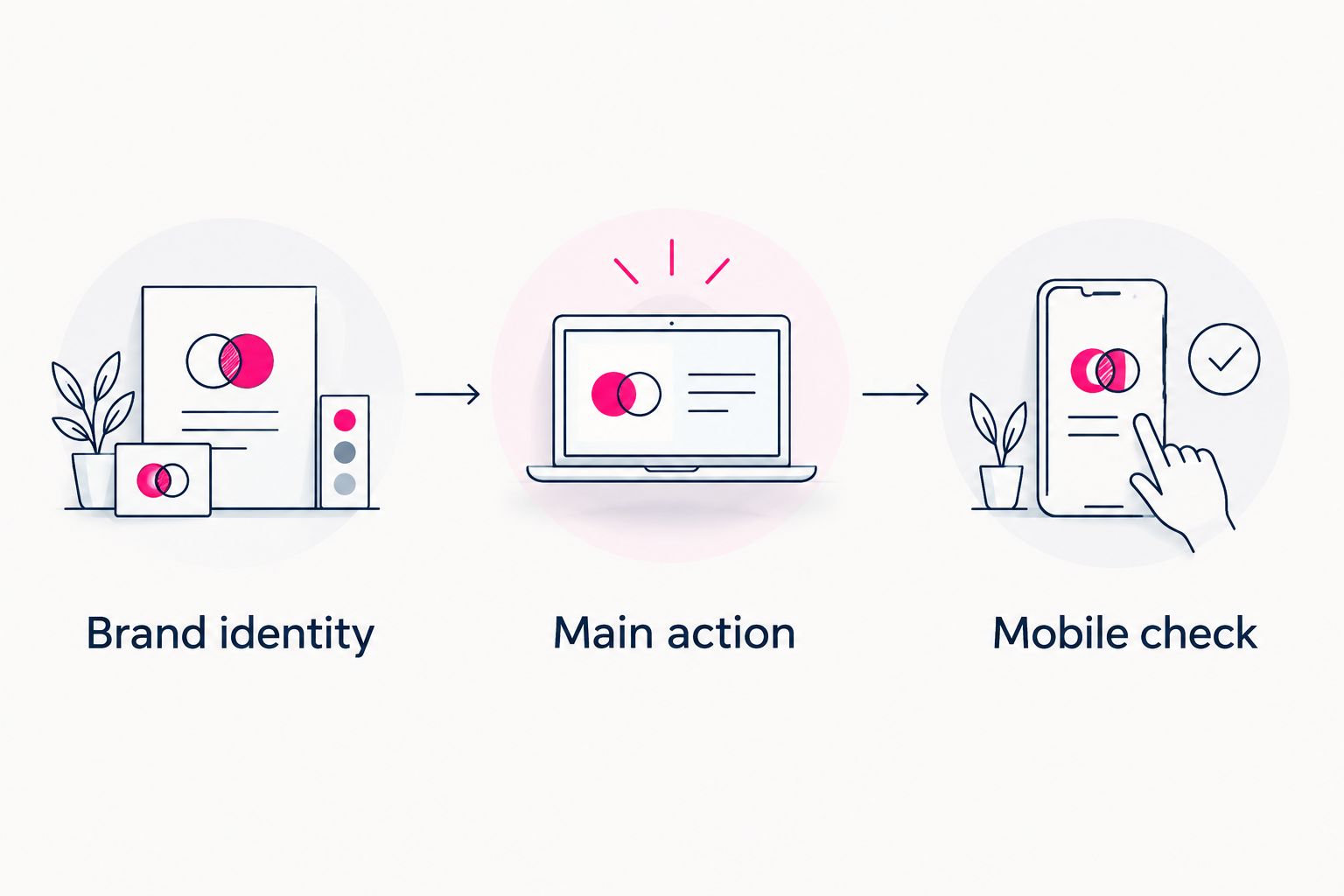
Compare the same content, then judge recognition, priority and mobile presentation.
Repeat these checks whenever your main destination changes. A page promoting a new release needs a different emphasis from one primarily collecting business inquiries. You do not need to redesign everything to change that priority.
How this ranking works
This 2026 ranking weighs identity, layout, imagery, link hierarchy, domain approach and editing responsibility. The order favors creators seeking a personalized destination with a practical path to publishing.
It does not assign numerical design scores. Managed personalization, hands-on website building and a link-first profile solve different problems. If manual layout control is your deciding criterion, move Carrd to the top of your own shortlist.
Which link-in-bio tool should you choose?
Choose AkaMe for a personalized creator website, a unique domain and managed registration and publishing. Choose Carrd when you want to build the page directly. Choose Linktree when an organized profile with links is the format you want.
For a 2026 decision, write down what you want to change about your current page before opening another editor. “My page does not feel like me” is a different problem from “I want to arrange every section myself.” Your answer determines the useful kind of customization.
FAQ
What's the best link-in-bio tool for design customization in 2026?
Choose according to the design work you want to do: managed personalization, hands-on website building or a link-first profile. Carrd suits direct page building, while Linktree suits a profile organized around links.
Is AkaMe a good fit for a custom-domain creator website?
AkaMe fits creators who want a personalized creator website on a unique domain, with registration and publishing handled for them. It brings together links to subscriptions, products or services already hosted on other platforms.
Is Carrd better than Linktree for design control?
Carrd is the better fit when you want hands-on control over building a one-page website. Linktree is the better fit when the intended result is a profile organized around links.
What should I check in a creator website preview?
Check your introduction, photo choices, main destination and mobile presentation. Open the links and confirm that each label accurately describes its destination.
Do I need to move my subscriptions or products to a new website?
A link-in-bio website can direct visitors to the platforms where your subscriptions or products already live. Choose a builder according to how you want to present those destinations, rather than assuming you must rebuild them.
How do I make a link-in-bio page look more personal?
Use a recognizable creator name, purposeful images and link labels that describe your work. Start with a clear main action before adding decoration, then check the result on your phone.
One last thing
Your first design decision is what deserves attention—not which color to use. Put your main destination where a visitor can understand it, then let photography and styling support that choice.
Preview an AkaMe creator website, personalize the presentation and explore a domain that fits your name.
Make your creator website yours
Preview your creator website, personalize it and explore a domain that fits your name.